Sign in Start free trial

NestSigns™

Nest sign letters on fewer sheets.

Built for sign shops. Drop in your AI, PDF, DXF or SVG and get more letters out of every sheet.

NestSigns is an online nesting tool for channel letters and other sign parts. Open your artwork and pick a sheet. It arranges every letter by its real shape, turns it to the best angle and fits small letters inside the counters of bigger ones, so a job uses fewer sheets of aluminum, acrylic or PVC.

Tested on real sign-shop jobs. Every layout passed the spacing check.

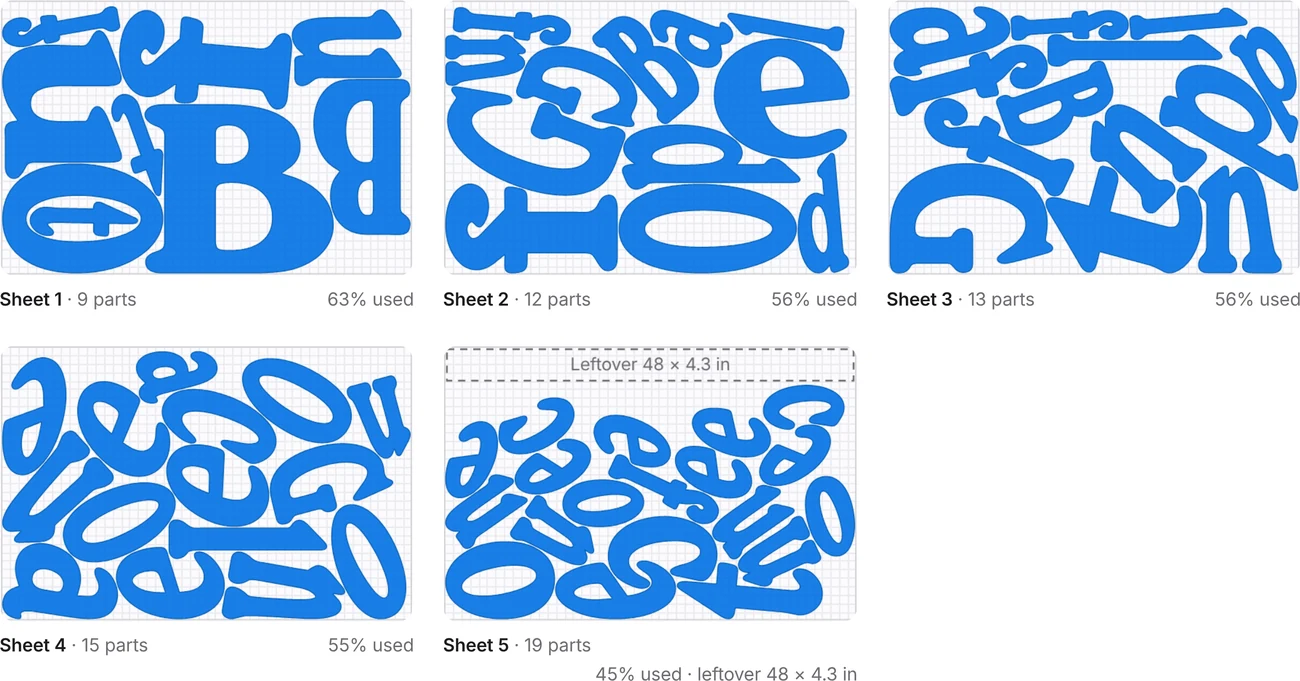
Sheet 1 · 46 × 46 in · gap 0.2 inExample layout

Start your free trial

20 free nests on your own files. No credit card, no password.

20 free nests, then $14.99/month. Cancel anytime.
Terms · Privacy
Why nesting sign letters eats your day

By handNestSigns solution

20–30 minutes nesting by hand

About 15 seconds per job

Letters bigger than the sheet

Divided for you automatically

Scrap inside O, A, B and D

Small letters fill the holes

Leftovers nobody remembers

Saved to stock, used first

Letters too close or too far apart

Every gap checked

Mixed files, unlabeled parts

Any file in, every part numbered

Nesting by hand vs. NestSigns

The same channel-letter job: 68 letters on 48 × 32 in sheets with 0.2 in spacing.

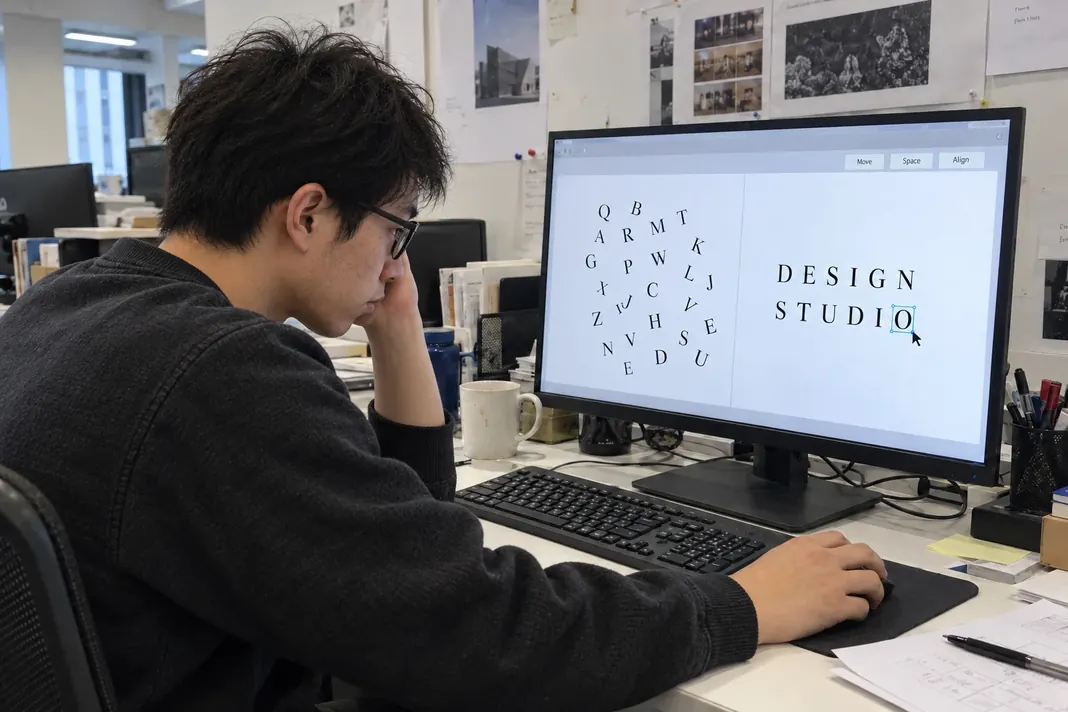
68 letters waiting to be placed by hand on an empty sheet

By hand

About 20–30 minutes

With NestSigns

About 15 seconds

The result 5 sheets, all 68 letters placed, every gap checked. In the app you can click a sheet to move or rotate any part by hand.
NestSigns with a channel-letter job nested on five 48 × 32 in sheets

Hand time is a typical estimate and depends on the job and the person. NestSigns time was measured on this job.

How it works

  1. 1

    Open your artwork

    Drop in an Illustrator, PDF, DXF, SVG or CorelDRAW file. Every closed shape becomes a part.

  2. 2

    Pick the sheet

    Choose a material from your stock, or type the sheet size, spacing and edge margin.

  3. 3

    Nest and download

    NestSigns packs the letters onto as few sheets as it can, checks every gap and gives you a file ready to cut.

Opens
Illustrator .ai, PDF, DXF, SVG and CorelDRAW .cdr (X4 and newer)
Downloads
PDF, AI, DXF, LightBurn and SVG, in inches or centimeters
Works with
Illustrator, CorelDRAW, FlexiSIGN, LightBurn and any router or laser software that opens DXF, PDF or SVG
Runs on
Any modern browser on Windows or Mac. Nothing to install, and it can be added as a desktop app.

Also included

True-shape nesting

Letters are packed by their real outlines: any angle, 0/180° only, or no rotation.

Material cost

Enter the price of a sheet to see what each job costs in material.

Job archive

Finished jobs are saved to your account, so any of your computers can open them and cut them again.

Languages

12 languages, so everyone in the shop can work in their own.

One simple price

20 free nesting runs on your own files, no credit card. Then $14.99 a month for unlimited files. Cancel anytime.

Questions? Read the FAQ