Sign in

NestSigns™

Nest sign letters on fewer sheets.

Built for sign shops. Drop in your AI, PDF, DXF or SVG and get more letters out of every sheet.

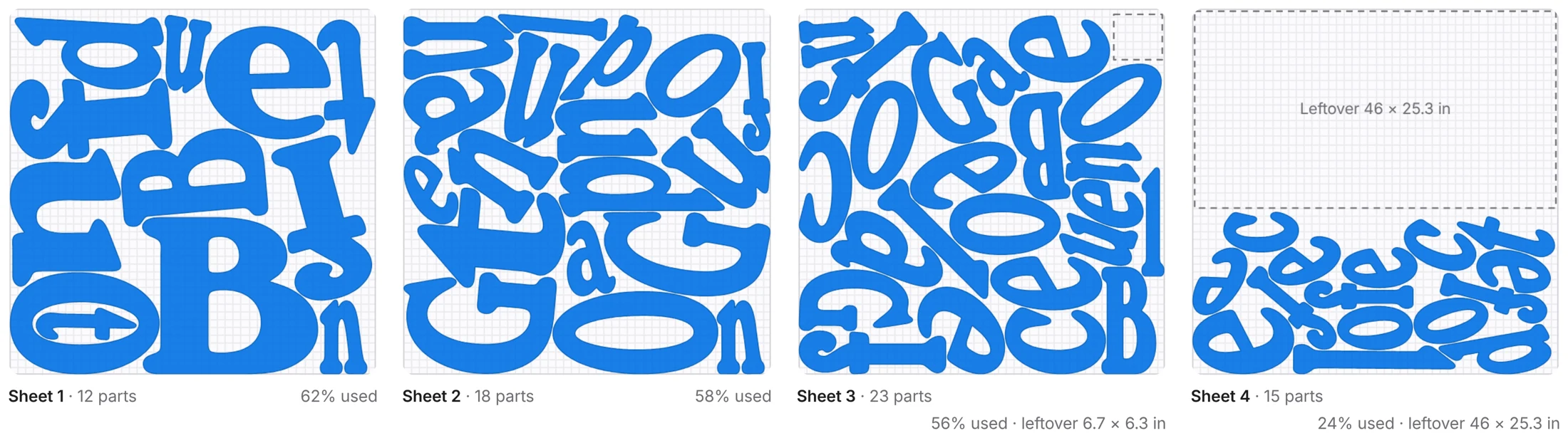
NestSigns is an online nesting tool for channel letters and other sign parts. Open your artwork and pick a sheet. It arranges every letter by its real shape, turns it to the best angle and fits small letters inside the counters of bigger ones, so a job uses fewer sheets of aluminum, acrylic or PVC.

Every layout is checked for spacing before you download it. You get a cut-ready PDF, AI, DXF, SVG or LightBurn file for your router or laser, with every part numbered so sorting after cutting is quick.

It also keeps your stock: full sheets and leftover pieces for each material, used smallest first, plus what each job costs in material. It runs in the browser on Windows or Mac, so there is nothing to install.

Sheet 1 · 46 × 46 in · gap 0.2 inExample layout

Start your free trial

20 free nests on your own files. No credit card, no password.

20 free nests, then $14.99/month. Cancel anytime.
Terms · Privacy
How it works

  1. 1

    Open your artwork

    Drop in an Illustrator, PDF, DXF, SVG or CorelDRAW file. Every closed shape becomes a part.

  2. 2

    Pick the sheet

    Choose a material from your stock, or type the sheet size, spacing and edge margin.

  3. 3

    Nest and download

    NestSigns packs the letters onto as few sheets as it can, checks every gap and gives you a file ready to cut.

Nesting by hand vs. NestSigns

Rough time for one channel-letter job: 68 letters on 46 × 46 in sheets with 0.2 in spacing.

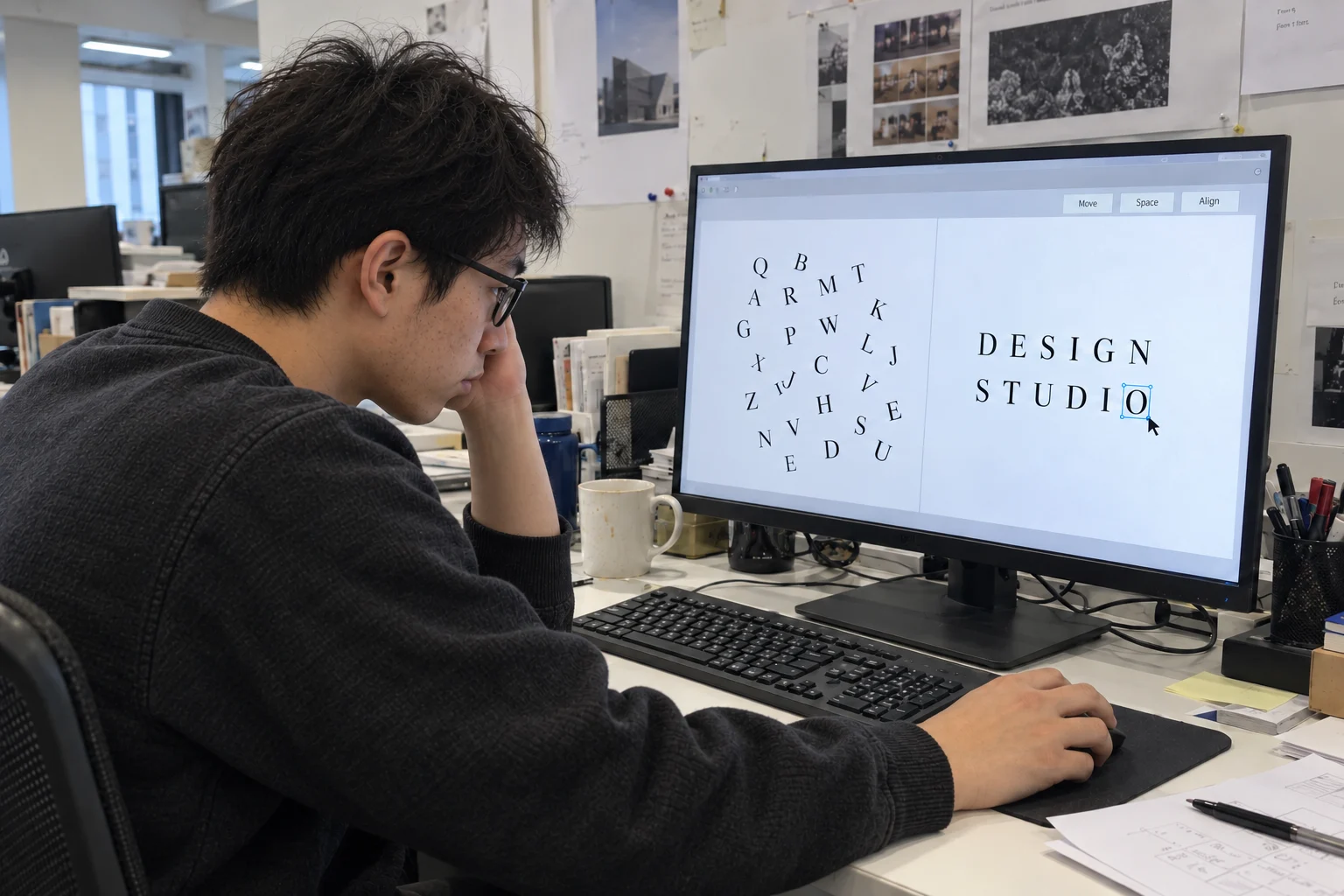
68 letters waiting to be placed by hand on an empty sheet

By hand

About 20–30 minutes

  • Drag and rotate every letter, one at a time
  • Check every gap by eye or with a ruler
  • Letters end up too close, or sheets half empty
  • Start over when the sheet size changes

Hand time is a typical estimate and depends on the job and the person. NestSigns time was measured on this job.

See it on a real job

About 15 seconds

A real channel-letter job: 68 letters on 46 × 46 in sheets with 0.2 in spacing, every gap checked. Click a sheet to move or rotate any part by hand.

NestSigns with a channel-letter job nested on four 46 × 46 in sheets

Built for sign letters

True-shape nesting

Letters are packed by their real outlines: any angle, 0/180° only, or no rotation.

Exact spacing

Type the gap or your router bit size. Every layout is checked and shows the smallest gap measured.

Parts inside holes

Small letters go inside the counters of O, A, B and D, and holes stay with their letter.

Leftovers first

Keep full sheets and leftover pieces for each material. The smallest leftovers are used first, and stock updates when the job is done.

Oversize letters

Letters bigger than the sheet can be left out, or divided with or without a joining strip.

Numbered parts

Every part is numbered on the sheets and on the original artwork, so sorting after cutting is quick.

Material cost

Enter the price of a sheet to see what each job costs in material.

Job archive

Finished jobs are saved to your account, so any of your computers can open them and cut them again.

Your files in, cut-ready files out

Opens
Illustrator .ai, PDF, DXF, SVG and CorelDRAW .cdr (X4 and newer)
Downloads
PDF, AI, DXF, LightBurn and SVG, in inches or centimeters
Works with
Illustrator, CorelDRAW, FlexiSIGN, LightBurn and any router or laser software that opens DXF, PDF or SVG
Runs on
Any modern browser on Windows or Mac. Nothing to install, and it can be added as a desktop app.
Languages
English · Español · Français · Deutsch · Português · Italiano · Русский · 日本語 · 한국어 · Tiếng Việt · 简体中文 · 繁體中文

One simple price

20 free nesting runs on your own files, no credit card. Then $14.99 a month for unlimited files, up to 50 runs a day. Cancel anytime.

Try it on your next job

Open your own artwork and see how many sheets you save.

Questions? Read the FAQ